
UX design for startups isn’t about making things pretty. User experience (UX) is how people feel when they use your product, from their first visit to their final click. When it works well, people sign up, come back and tell their friends.
This guide explains what UX covers and how to use it to grow your startup.
What is UX design for startups?
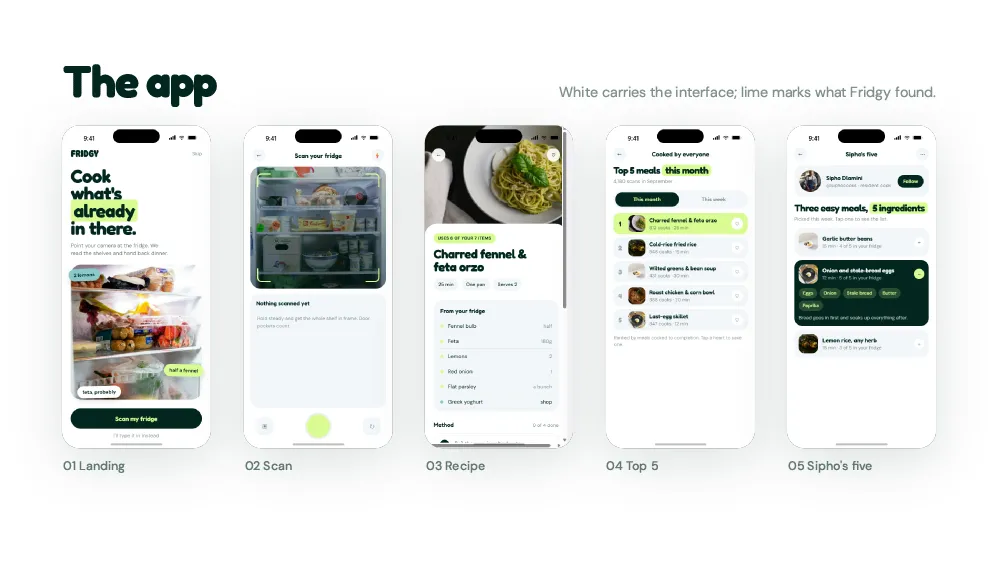
UX covers research, structure, interaction, visuals, content and testing. It answers simple questions: what problems do users have, and how can we solve them? UX is different from UI (user interface). The UI is the buttons and screens. The UX is how it feels to use them.
Start UX design for startups with research
Guessing is expensive. So talk to your users. Ask what problems they have, how they solve them today and what frustrates them. Then watch how they use your product. Often, what people do is different from what we assume they do.
Use personas to stay focused
A persona is a short profile of a typical user, including their goals, habits and pain points. Personas help your team design for real people instead of personal taste. Update them as you learn more.
Organize content around user goals
Information architecture is how you structure your content and features. Good structure is almost invisible, because people find what they need without thinking. Therefore, organize around what users want to do, not around how your company is set up.
Interaction design in UX design for startups
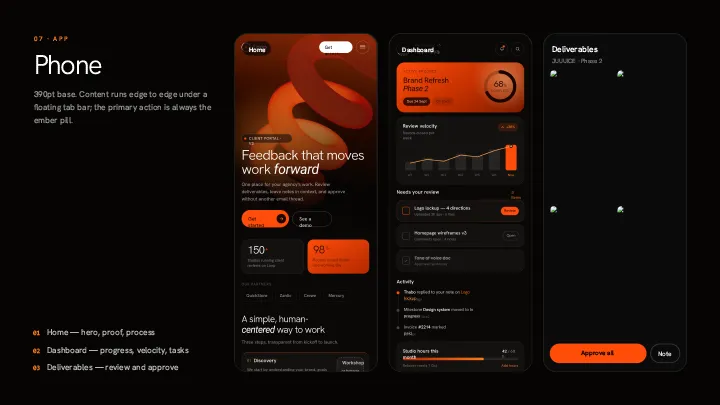
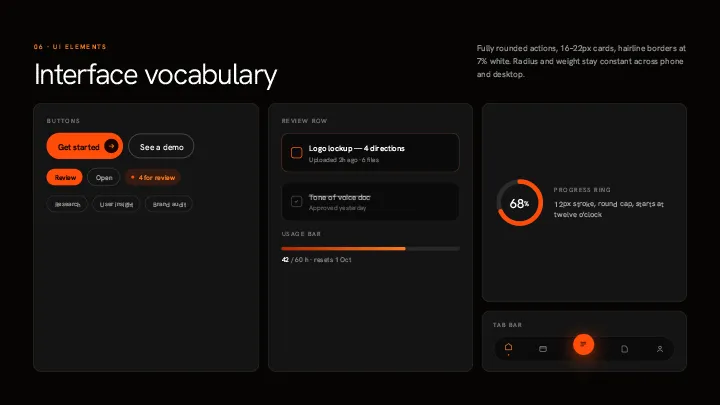
Every action should get a clear response. For example, buttons should look clickable, forms should confirm what happened and error messages should explain how to fix the problem. The ten usability heuristics from Nielsen Norman Group are a useful checklist.
Accessibility is part of UX
Accessible design helps everyone, including people with disabilities, people on slow networks and people using a phone in bright sunlight. For instance, good contrast helps all readers, not just those with low vision. So build accessibility in from the start.
Speed is part of UX
Slow products frustrate people. In particular, slow pages lead to more people leaving before they act. Compress images, trim code and use caching to keep things fast.
Test with real users
Watching people use your product shows problems you never expected. The good news is that you don’t need a big study. According to Nielsen Norman Group, testing with about five users reveals most major issues. After that, fix them and test again.
Add moments of delight
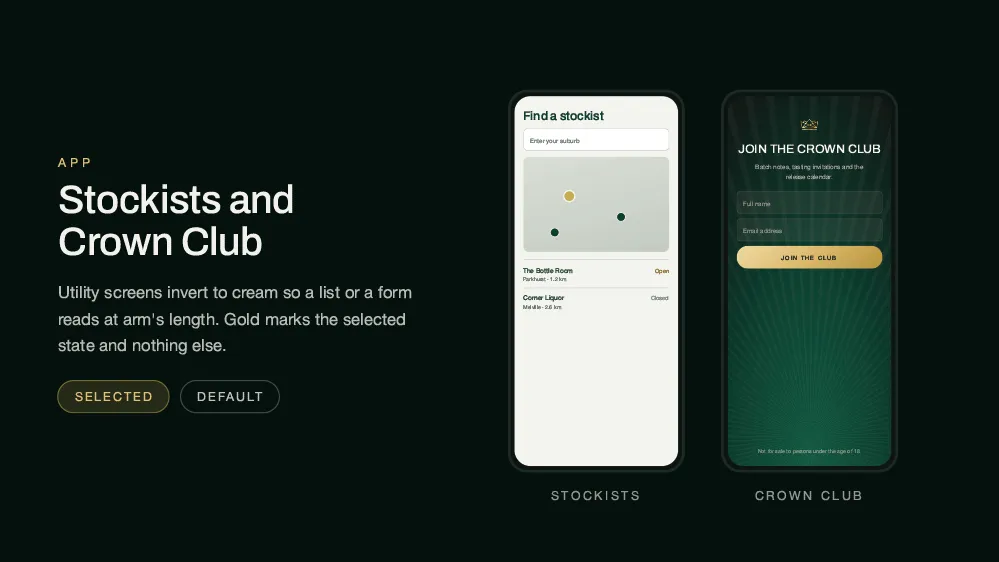
People remember how a product made them feel. A friendly message, a smooth animation or a helpful empty state can turn users into fans. Keep these touches small, though, so they never get in the way.
Keep it consistent
UX covers every touchpoint, from your website and app to emails and support. When the experience feels the same everywhere, people trust you more. A design system makes that consistency much easier.
Conclusion: UX design for startups is a growth strategy
In short, UX design for startups isn’t a cost. It is an investment that lifts sign-ups, retention and loyalty. Build it into your product from day one, because fixing UX later costs far more. For more, read about web design that converts and mobile-first web design, or talk to Spaark.
Related reading
Next, keep reading with these related Spaark guides:
- Web design trends 2026: ten shifts every startup site should know.
- The real cost of DIY web design: the hidden price of building your own site.
- How to write a design brief: seven steps and a free template.
Frequently asked questions
When do startups need UX design help?
As soon as you have real users. Bring in full-time help once UX issues come up regularly.
What is the minimum UX research a startup should do?
Talk to five to ten real users. That alone will reveal most of the big problems.
Should we test with friends and family?
No. They are likely to be too kind. Instead, test with people who match your target users.
Does good UX design for startups cost more?
It can cost more at first. However, it usually saves money later through fewer support requests and more sales.
2 Comments