As a startup grows, keeping its design consistent gets harder. Every new page, screen and feature can drift from the rest. Design systems for startups solve this problem. They give your team shared rules, reusable parts and clear documentation.
This guide explains what a design system is, how to build one and when it is worth the effort.
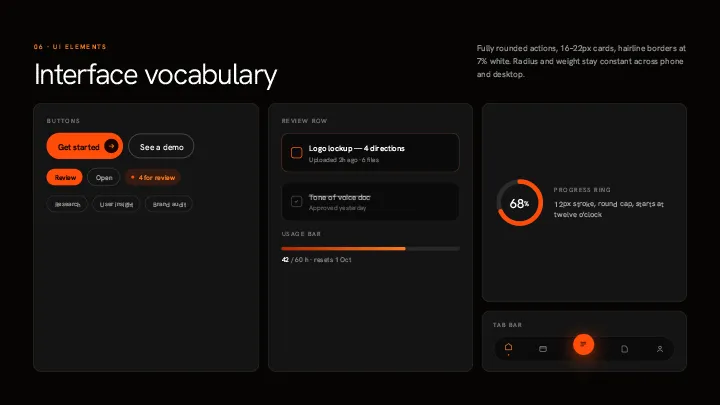
What are design systems for startups?
A design system has three parts. First, design tokens, which store values like colors, fonts and spacing. Second, components, which are reusable pieces such as buttons and cards. Third, documentation, which explains how and when to use them.
Tokens work like variables. Instead of copying a color code across hundreds of files, you define it once. Then, if your brand changes, you update the token and every component updates with it.
Start with design tokens
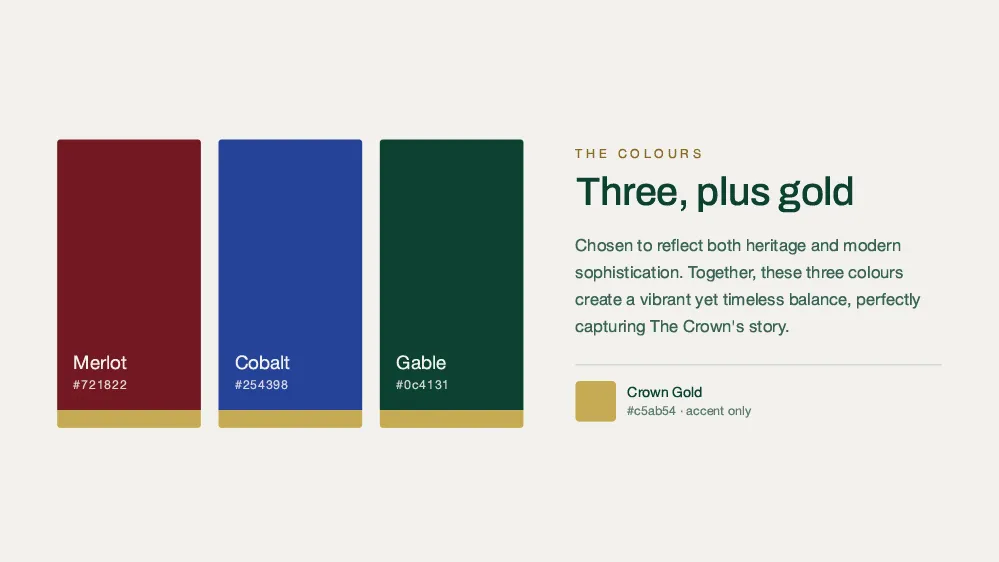
Begin with the basics: colors, a type scale, a spacing scale, corner radius and shadows. Next, give them meaningful names. For example, “button-primary” is clearer than “blue-500”. Finally, add tokens for specific components only when you need them. Tools like Style Dictionary can help you manage tokens in code.
Build reusable components
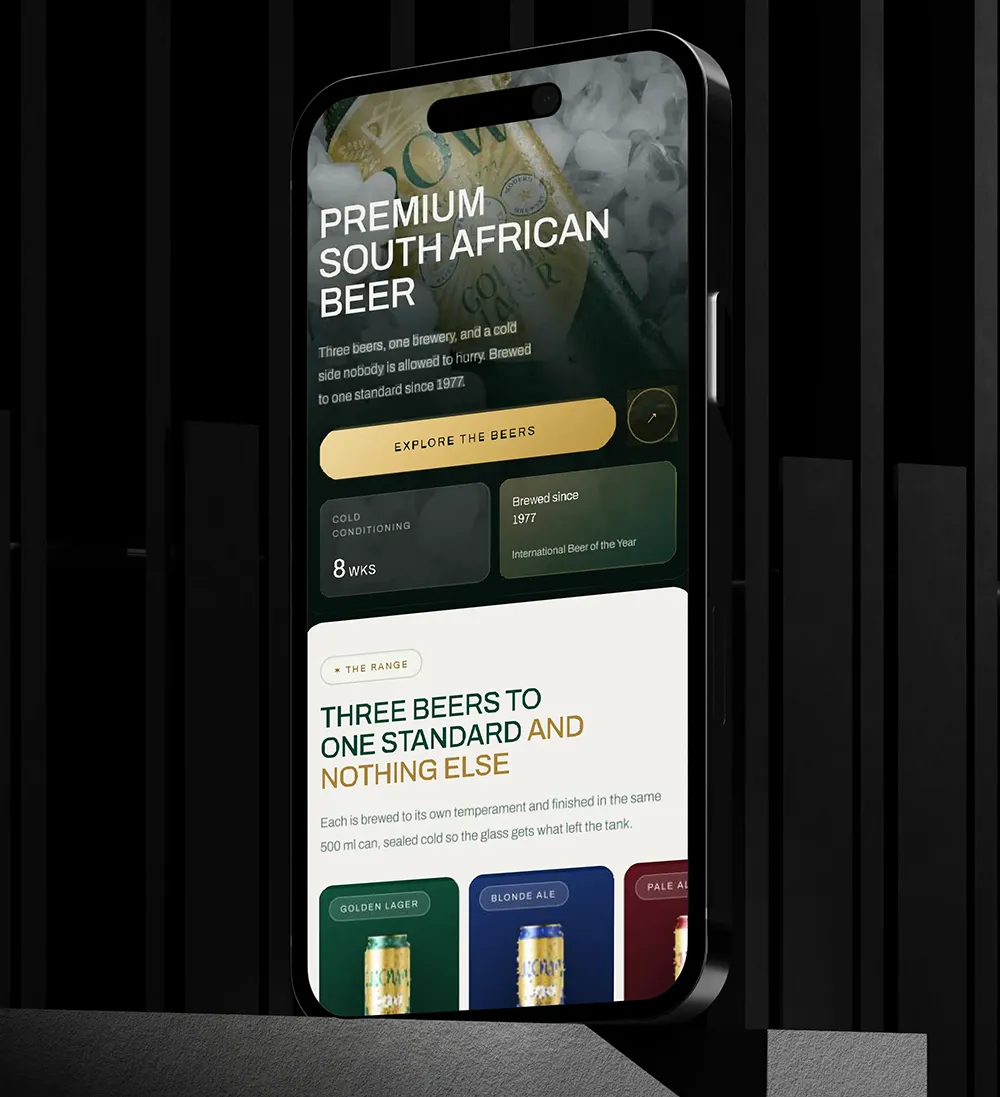
Components are the building blocks of your interface, such as buttons, inputs, cards and menus. Start with the small pieces, then combine them into larger ones. For instance, an input and a button together make a search bar. As a result, your team writes less code and every screen looks consistent.
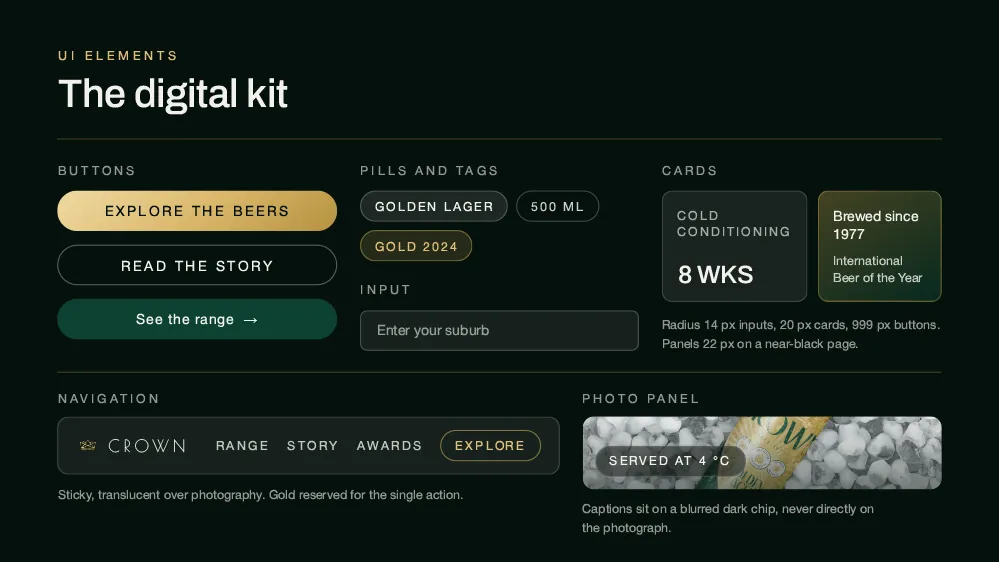
Document how design systems for startups work
A design system without documentation rarely gets used. So explain what each component is for, when to use it and how to build it. Include code examples and accessibility notes. Many teams use Storybook to show components and their documentation side by side.
Version and govern your system
Your system will change over time. Therefore, version updates clearly and warn teams before you remove anything. Also decide who owns the system and how people can request changes. Without clear ownership, teams tend to build their own versions, and consistency is lost.
Common mistakes to avoid
Most problems come from doing too much too soon, or too little too late. Watch out for these:
- designing for every possible case before you ship
- assuming components are obvious and skipping documentation
- forcing the system on teams instead of showing its value
- leaving accessibility until the end
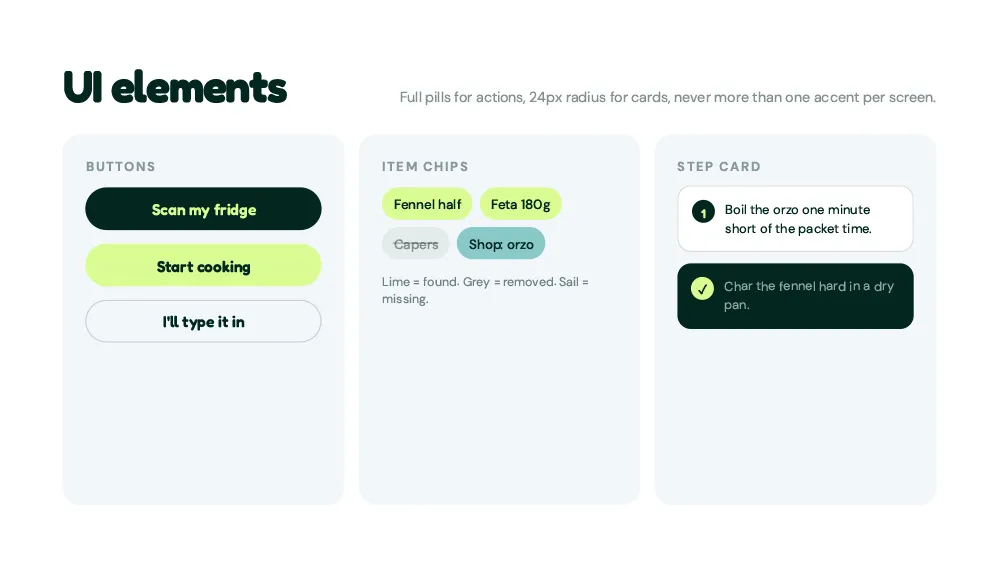
When to invest in design systems for startups
A small team can start with a simple style guide. However, once you have several designers, developers or products, a proper system pays off. A good sign is when the same component keeps getting rebuilt in slightly different ways.
Conclusion: design systems for startups save time
At first, a design system can feel like extra work. Yet as your team grows, it saves time and keeps quality high. Start small, document well and grow the system as your needs grow. To learn more, read about UX design for startups and building a startup brand identity, or talk to Spaark about your product.
Related reading beyond design systems for startups
Next, keep reading with these related Spaark guides:
- Web design trends 2026: ten shifts every startup site should know.
- Color psychology in branding: what your colors say about you.
- Mobile-first web design guide: how to design for phones first.
Frequently asked questions
Should we use an existing system like Material Design?
It can be a good starting point. Material Design is well documented. However, customize it so your product still looks like your brand.
How do we stop a design system from getting bloated?
Review it regularly. Remove components nobody uses and merge ones that are almost the same.
Can developers build a design system without designers?
They can, but it works best as a team effort. Designers bring the visual rules, while developers make them work in code.
Should a design system include animation?
Yes. Set simple rules for timing and easing, so motion feels consistent across the product.