Many founders think building their own website will save money. In reality, DIY web design costs far more than the monthly subscription. You pay in time, lost sales, weaker search rankings and, often, a full rebuild later.
This guide breaks down the hidden costs and shows when DIY still makes sense.
DIY web design costs beyond the price tag
At first glance, a website builder looks cheap. Most cost a modest monthly fee. However, that is only the start. You also need time to learn the platform, fix layout problems, make the site work on phones and set up basic SEO.
Altogether, that can easily add up to 50 hours or more of founder time. If your time is worth even a modest hourly rate, those hours quickly cost more than a professional designer.
Why a professional website matters
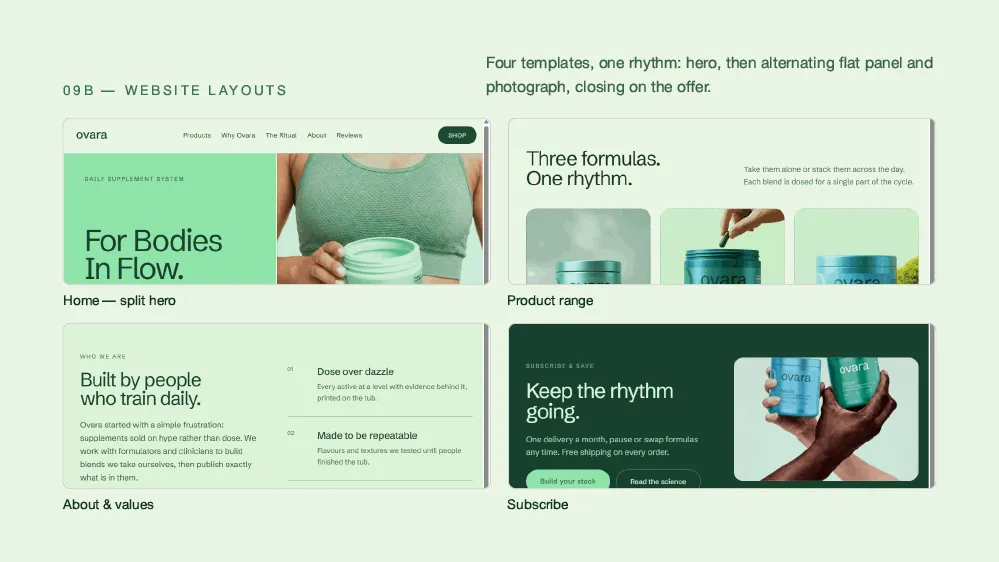
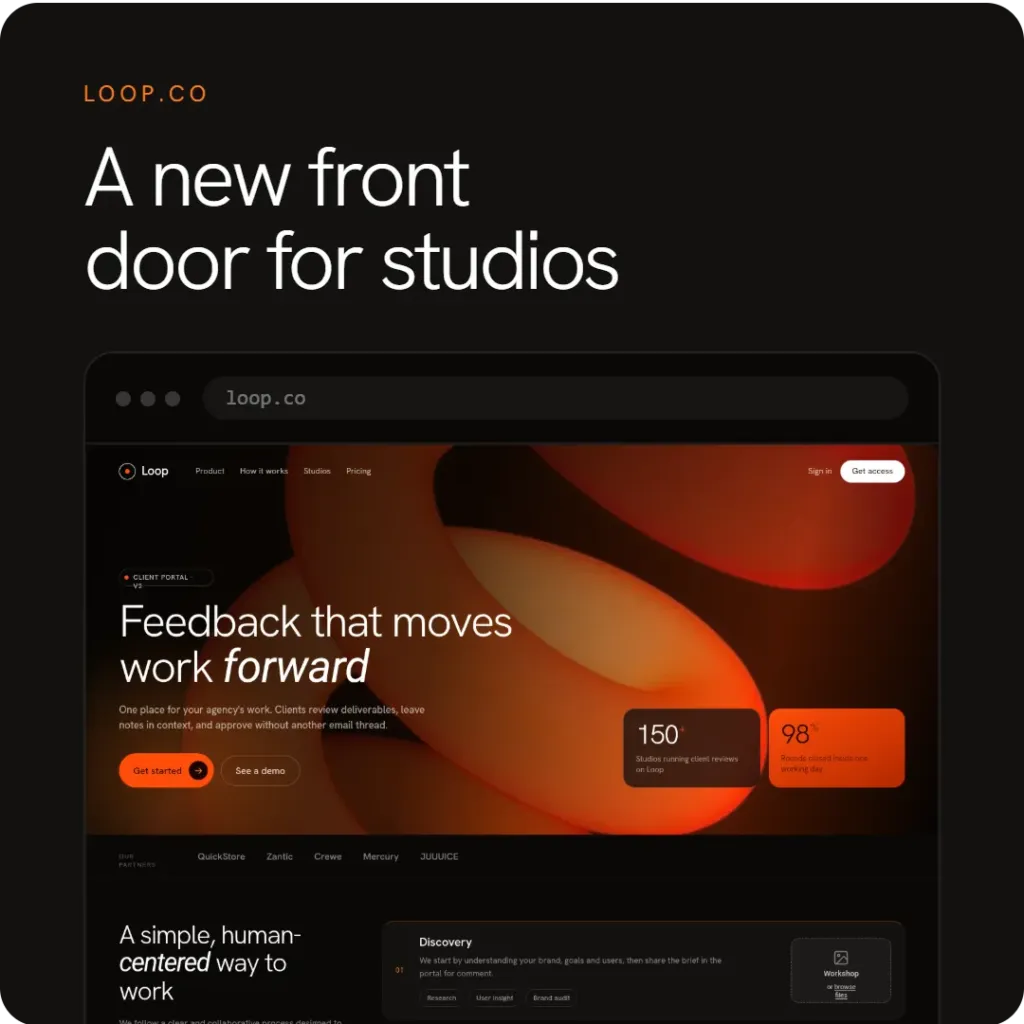
First impressions count. In fact, Stanford’s web credibility research found that people judge how trustworthy a company is partly by its website design. So when your DIY site sits next to a professionally designed competitor, you are at a disadvantage.
The result is usually fewer sign-ups, less trust and more visitors leaving straight away. As a result, you need more traffic, and more marketing spend, to reach the same goals.
Time vs money: the biggest of the DIY web design costs
As a founder, your most valuable work is building the product, finding customers and raising money. Every hour spent fighting a page builder is an hour taken from those jobs. That is the real trade-off.
For example, say a designer costs a few thousand and saves you 60 hours. If you spend those hours on sales or product, they could easily earn back much more than the fee.
Technical debt and growing pains
DIY sites often hit a wall as you grow. For instance, you might need a CRM connection, a custom checkout or features the builder doesn’t support. At that point, you either rebuild from scratch or pay a developer to work around the limits.
In contrast, a professional site starts on a solid base that can grow with your business.
How DIY web design costs you search traffic
Most builders offer basic SEO fields. Still, many produce heavy code, slow pages and weak site structure. Google rewards fast, well-built sites, as its guide on why speed matters explains. Therefore, DIY sites often rank lower and depend more on paid ads.
Maintenance and security
Websites need ongoing care, including updates, security patches and content changes. Small problems can grow into bigger ones. Meanwhile, a security breach or long downtime can cost more than years of professional support.
When DIY web design costs are worth it
DIY isn’t always wrong. It works well for a quick landing page, a personal blog or an early test of demand. If you need a page live tomorrow to test an idea, a builder is fine. But for a customer-facing startup, the true cost of DIY is usually higher.
How to compare DIY web design costs
Before you decide, add up the full picture for the first year:
- DIY: subscription + your time + lost sales from a weaker site + a likely rebuild.
- Professional: design fee + light maintenance, with a stronger base for growth.
Once you count your time and lost sales, the professional option is often the cheaper one.
Conclusion: count all the DIY web design costs
In summary, DIY web design costs go well beyond the subscription. They include your time, lower conversions, technical limits and a likely rebuild. For most startups, a professional site pays for itself through better results. Learn more in our guides to web design that converts, web design trends 2026 and UX design for startups, or ask Spaark for a quote.
Related reading
Next, keep reading with these related Spaark guides:
- How to write a design brief: seven steps and a free template.
- Design systems for startups: keep your product consistent as you grow.
- Mobile-first web design guide: how to design for phones first.
Frequently asked questions
Can I start with DIY and upgrade later?
Yes, but it often means paying twice. Most designers rebuild rather than fix a DIY site, because the base is hard to work with.
How long does a professional website take?
Usually four to eight weeks from brief to launch. That is often faster than learning a new tool and building the site yourself.
Can I still edit a professionally built site?
Yes. Modern sites use content management systems, so your team can update text and images without code.
What if I have no budget for web design?
Start with a well-made theme instead of building from zero. Then invest in a custom site once you have traction.